Selection policy
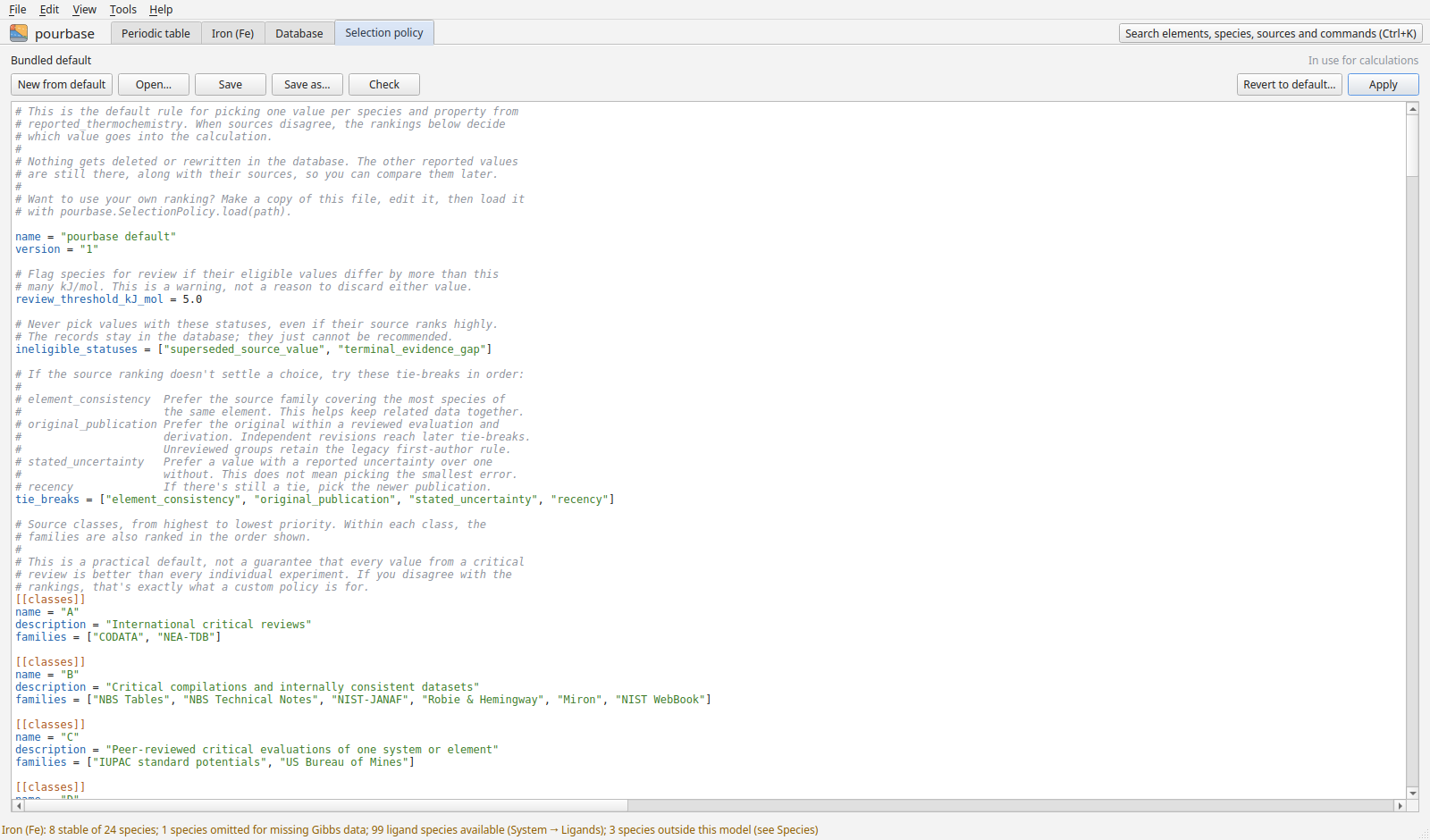
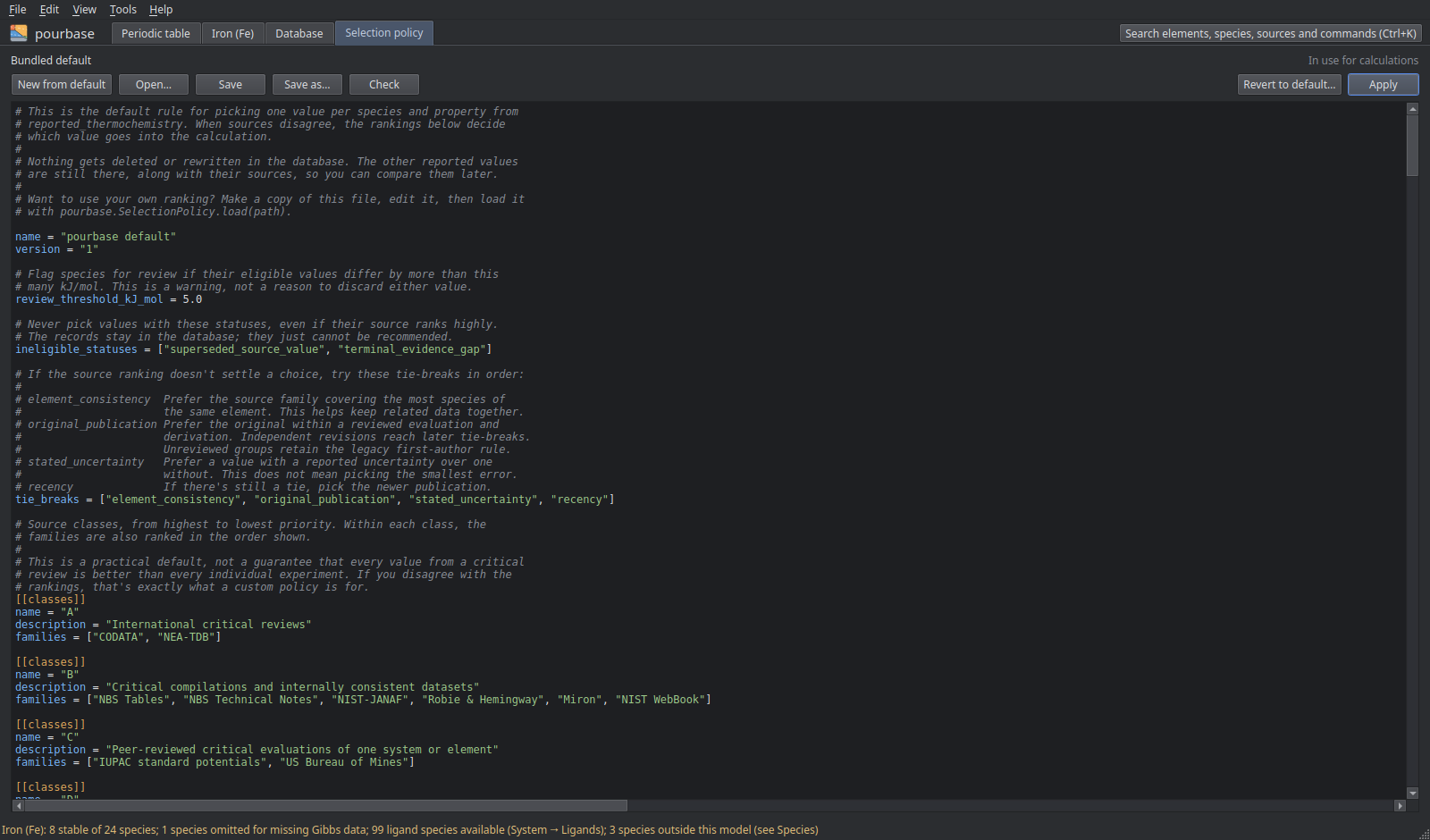
The Selection policy tab shows the active policy as TOML text, with a comment above each key that explains it. How values are selected describes the policy itself. The label above the text says whether it is the bundled default, the version in use, or an edited version that has not been applied yet.
| Button | Does |
|---|---|
| New from default | Starts again from the bundled default |
| Open… | Loads a policy file |
| Save | Saves to the current file (Ctrl+S in the editor) |
| Save as… | Saves to a new file |
| Check | Lists problems without applying the text |
| Revert to default… | Asks first, then calculates with the bundled default again and puts its text back |
| Apply | Recalculates everything with the text. The status bar says how many recommended values differ from the default |
Check
Check lists each problem as an error or a warning, or says that it found none. Clicking a problem jumps to its line. It reports:
- text that is not valid TOML, and missing or wrong entries;
- a class that appears twice, or no
[[classes]]at all; - an unknown tie-break, or a negative review threshold;
- an ineligible status that no value has, so that the entry has no effect;
- a family with no patterns under
[families], so that no source joins it, and a family that is in no class, whose sources then rank after all classes; - an override or exclusion that names a record, property or source that is not in the database.
Apply runs the same check first. It does not apply text with errors, but warnings do not stop it.
Other ways to set the policy
File → Load selection policy (TOML)… calculates with a policy file, File → Use the default selection policy goes back to the bundled one, and File → Edit selection policy… opens this tab. The policy chip in the context bar has the same commands. The policy is saved with the session, and when it is not the default, the context bar shows its name and fingerprint.
Comparing policies
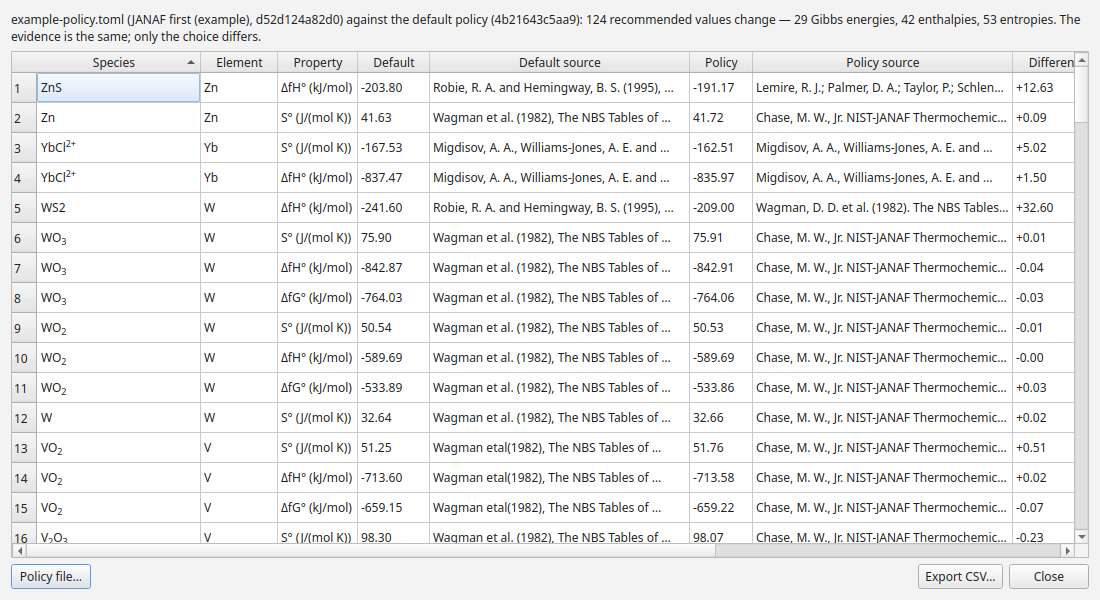
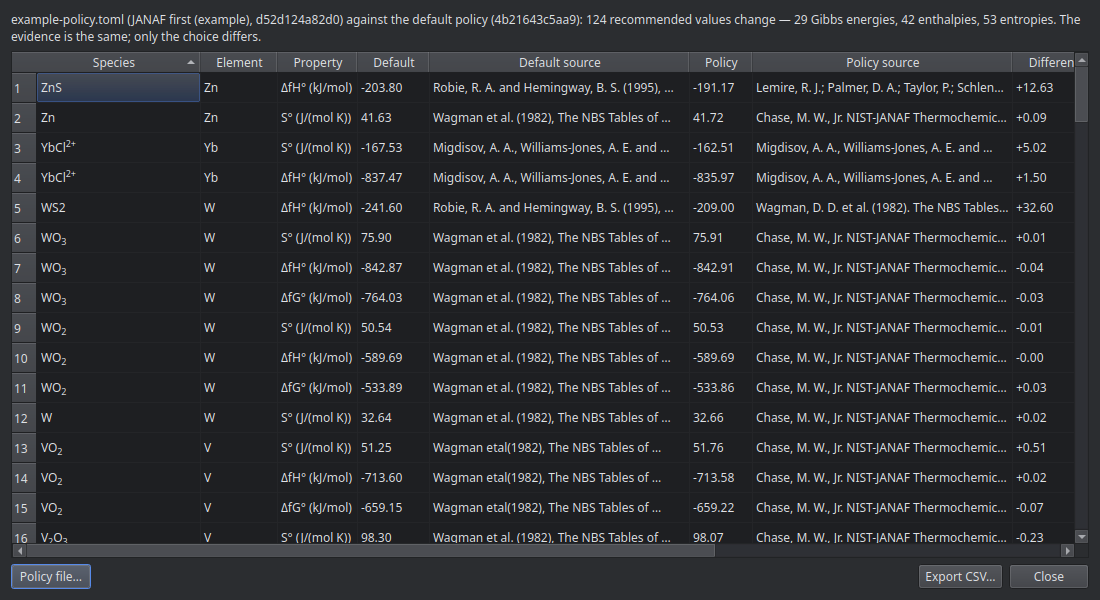
Tools → Compare selection policies… asks for a policy file and lists the recommended values that it chooses differently from the default.
| Column | Shows |
|---|---|
| Species, Element, Property | What changes |
| Default, Default source | The value and source chosen by the default policy |
| Policy, Policy source | The value and source chosen by the other policy |
| Difference | Policy minus default, in kJ/mol (J/(mol K) for entropies) |
| Reason | Why the other policy chose differently |
Policy file… picks another file, and Export CSV… saves the table.