Database
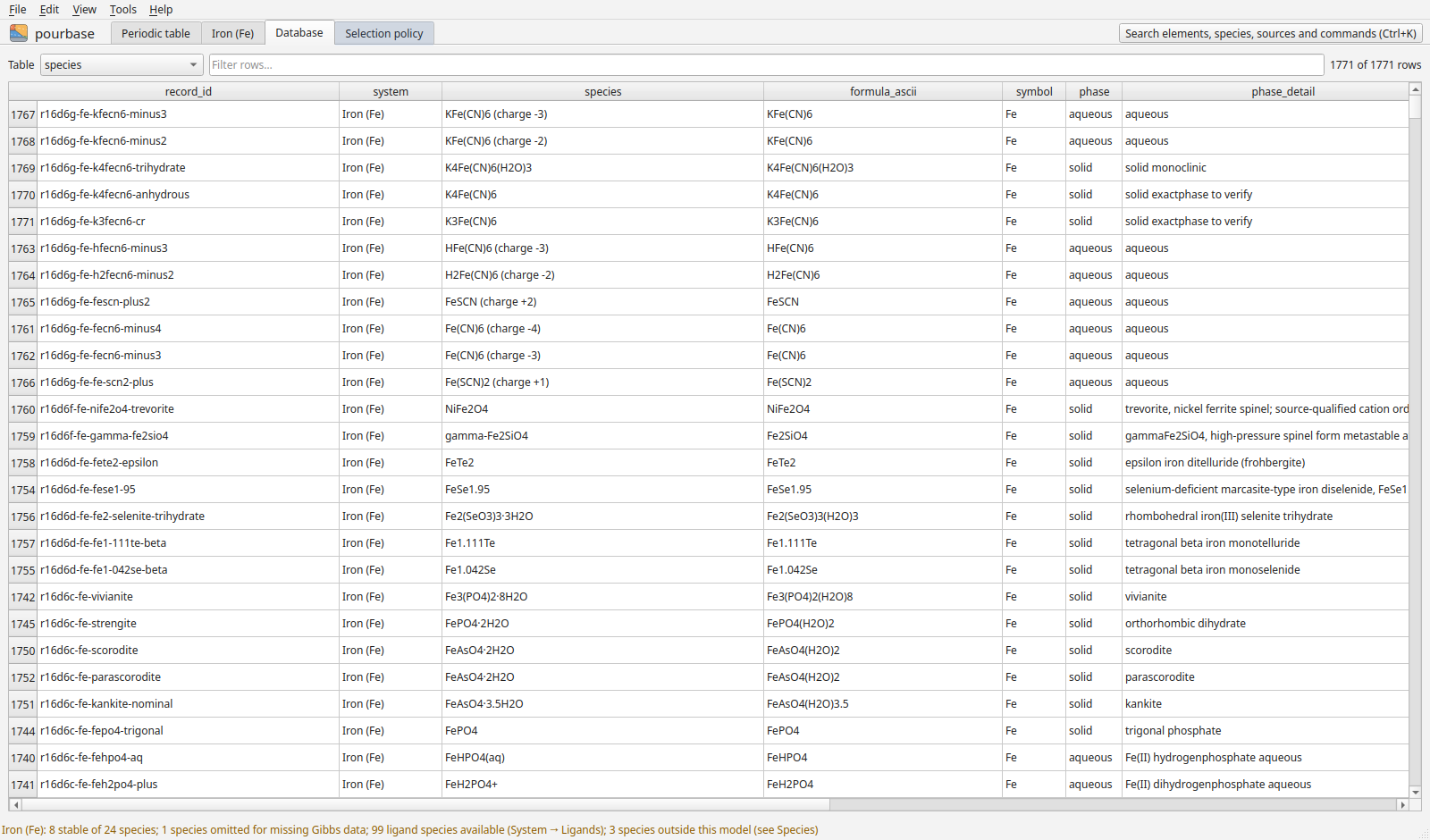
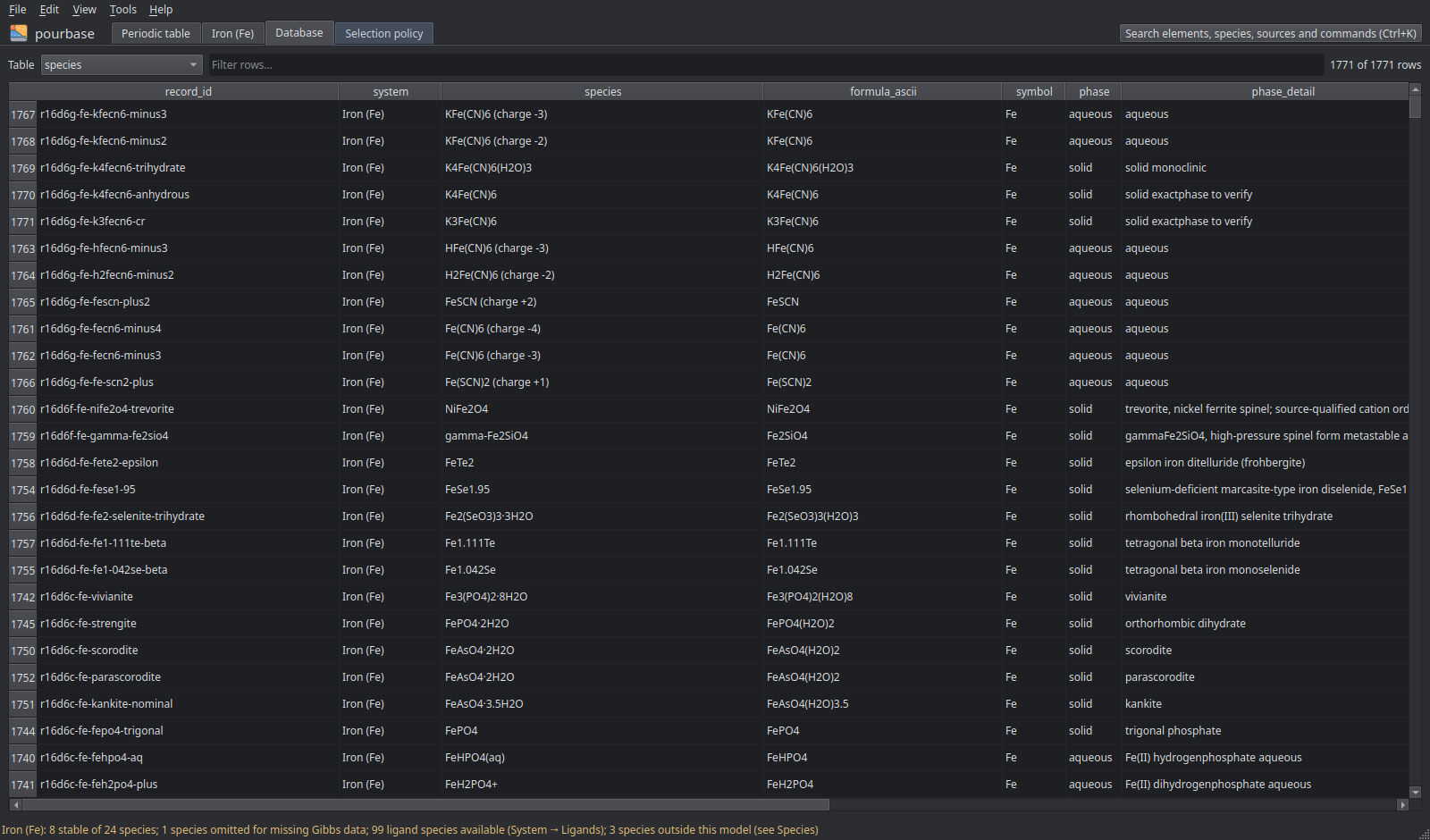
The Database tab shows the tables of the database the app is using. This is the bundled data, or your own dataset, with your own species and selection policy applied. Choose a table, type in the filter field to keep only matching rows, and click a column header to sort. The line under the table gives the number of rows shown.
| Table | Contents |
|---|---|
species |
Formula, charge, phase, composition, oxidation state and reaction coefficients |
selected_thermochemistry |
The recommended Gibbs energy, entropy and enthalpy of each species |
reported_thermochemistry |
All retained reported values, recommended or not, with links to the values that replace them |
sources |
Full citations, links, locations in the source and access dates |
phases |
Phase identity, possible polymorphs, space group and evidence |
warnings |
Scientific notes on records |
computational_fallbacks |
The Materials Project 300 K estimates for missing solid Gibbs energies, used only on request |
element_coverage |
The status of each chemical element |
materials_project_matches |
Reviewed matches between experimental phases and Materials Project structures |
materials_project_energies |
Materials Project energies by method, with their provenance |
ligands |
Reference states of the free ligands |
metadata |
Dataset version, reference conditions, schema version and value policy |
selected_thermochemistry is made when the database is opened, by applying the active selection policy. The file
itself only stores the reported values, so loading another policy changes this table and nothing else. The
data dictionary defines the columns, units and joins.
Sources behind a diagram
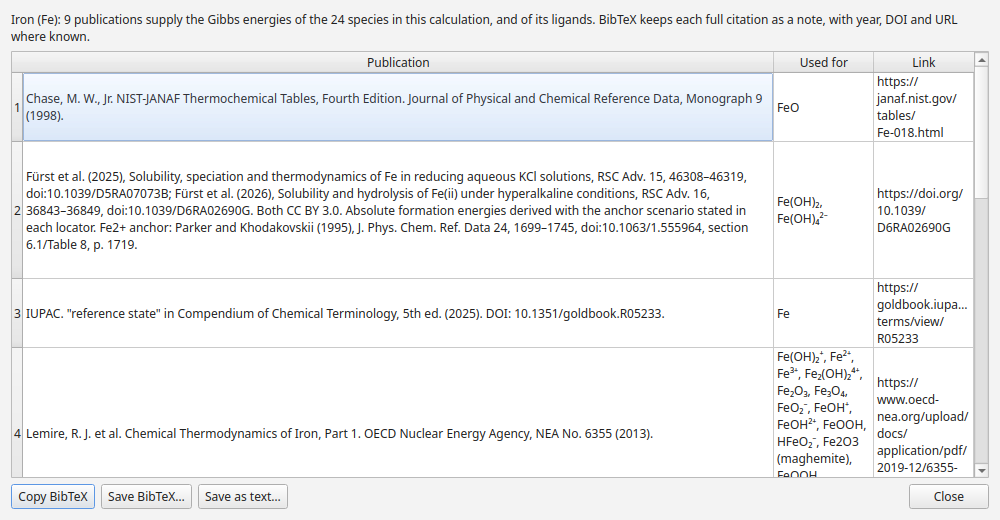
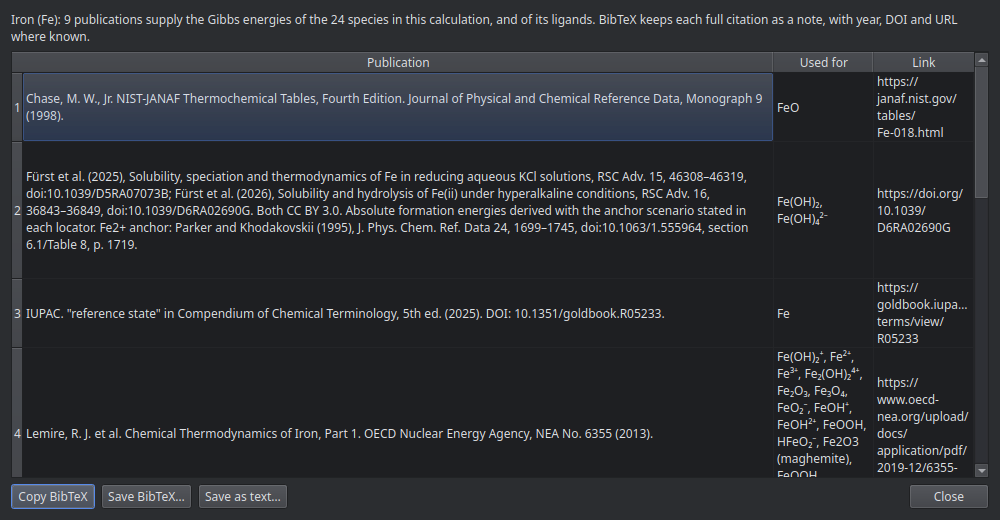
Tools → Sources behind this diagram… lists the publications that supply a Gibbs energy to the current diagram, one entry per publication, with the species it is used for and a link where there is one.
| Button | Does |
|---|---|
| Copy BibTeX | Copies one BibTeX entry per publication. The full citation is kept as a note, with the year, DOI and URL where known |
| Save BibTeX… | Writes the entries to a .bib file |
| Save as text… | Writes the list as plain text |
Popped-out diagrams have the same command.